Switching
Moving to Car Central takes an afternoon, not a month.
Export a spreadsheet from your current system, preview every row, and add it. Run both side by side until you trust the numbers.
How it works
Three steps, no surprises.
Export a CSV
In your old system, look for Export, Download or Report on the inventory, customer and account screens, and choose CSV or Excel. If you only get Excel, open it and save as CSV.
Preview it here
We show every row and flag the ones with problems, like a bad VIN or a missing date. Nothing is added until you've seen it.
Add it, then check it
A built-in checklist walks you through comparing totals and carrying over open items, so you can run both systems for a week.
What comes over
The three things you can't start without.
Inventory
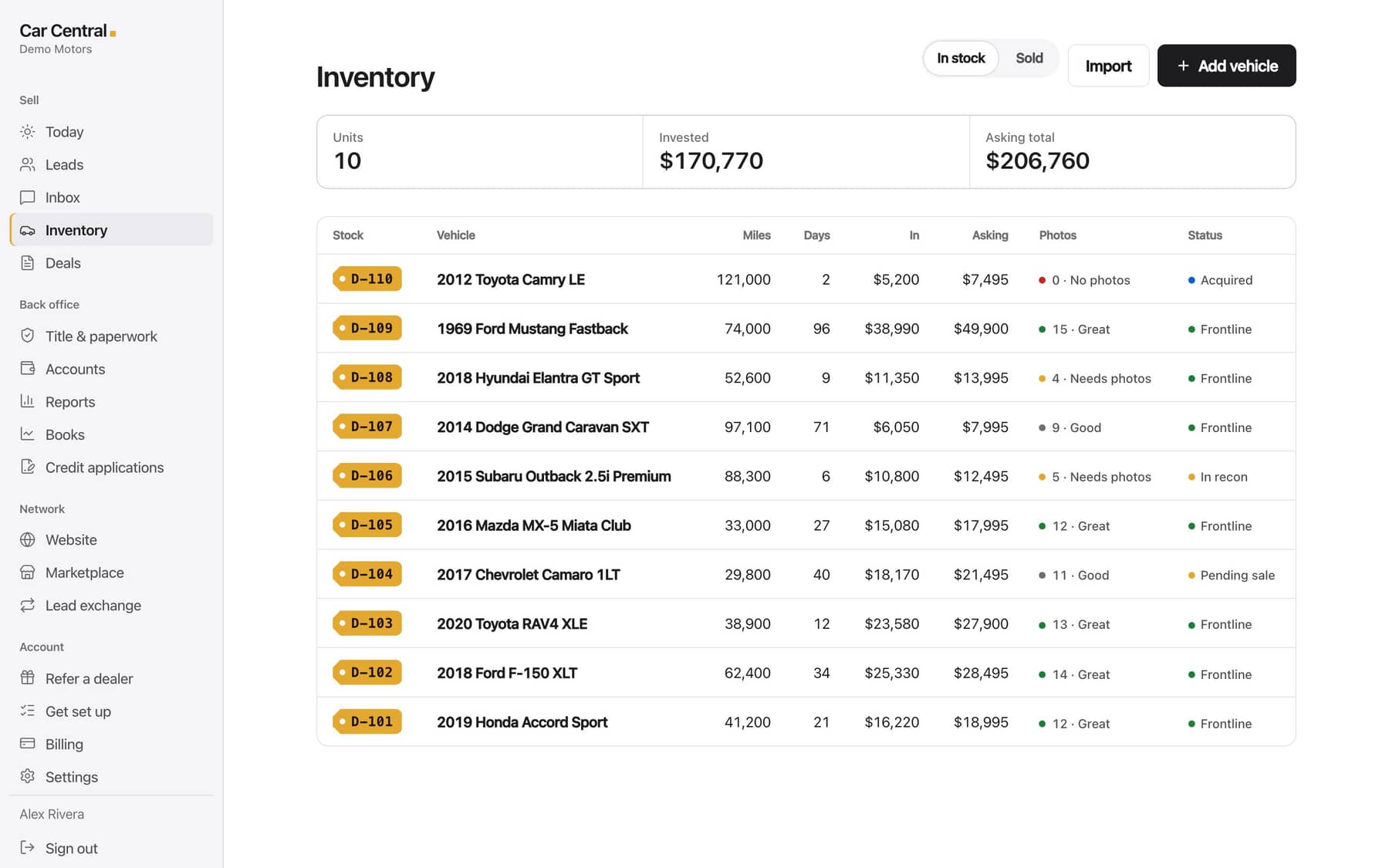
Your cars with cost, price, mileage and status. VINs are decoded for you, and a VIN column is all we require.
Customers
Names, phone numbers, emails and addresses. People already in your system are skipped.
Open accounts
Buy-here-pay-here balances: who owes what, the payment amount, how often and when it's next due. We don't add interest or late fees.
Questions
About switching
Which systems can I move from?
Any system that can export a spreadsheet (CSV) of your inventory, customers or open accounts. Column names don't need to match ours; we recognize the common ones.
Will importing overwrite anything?
No. Cars already in your inventory and customers already in your system are skipped, never changed.
What about text-message permission?
Consent is never carried over from another system. A customer is only marked as opted in after they agree here.
Do past payments come over for buy-here-pay-here accounts?
Only what's still owed comes over: the balance, the payment amount, how often they pay and the next due date. Past payments stay in your old system, and imported accounts don't count as sales in your books.
What if my file is big or messy?
Send it to support@sellcarcentral.com and we'll help you get it in.